How to Check Your Nordstrom Gift Card Balance
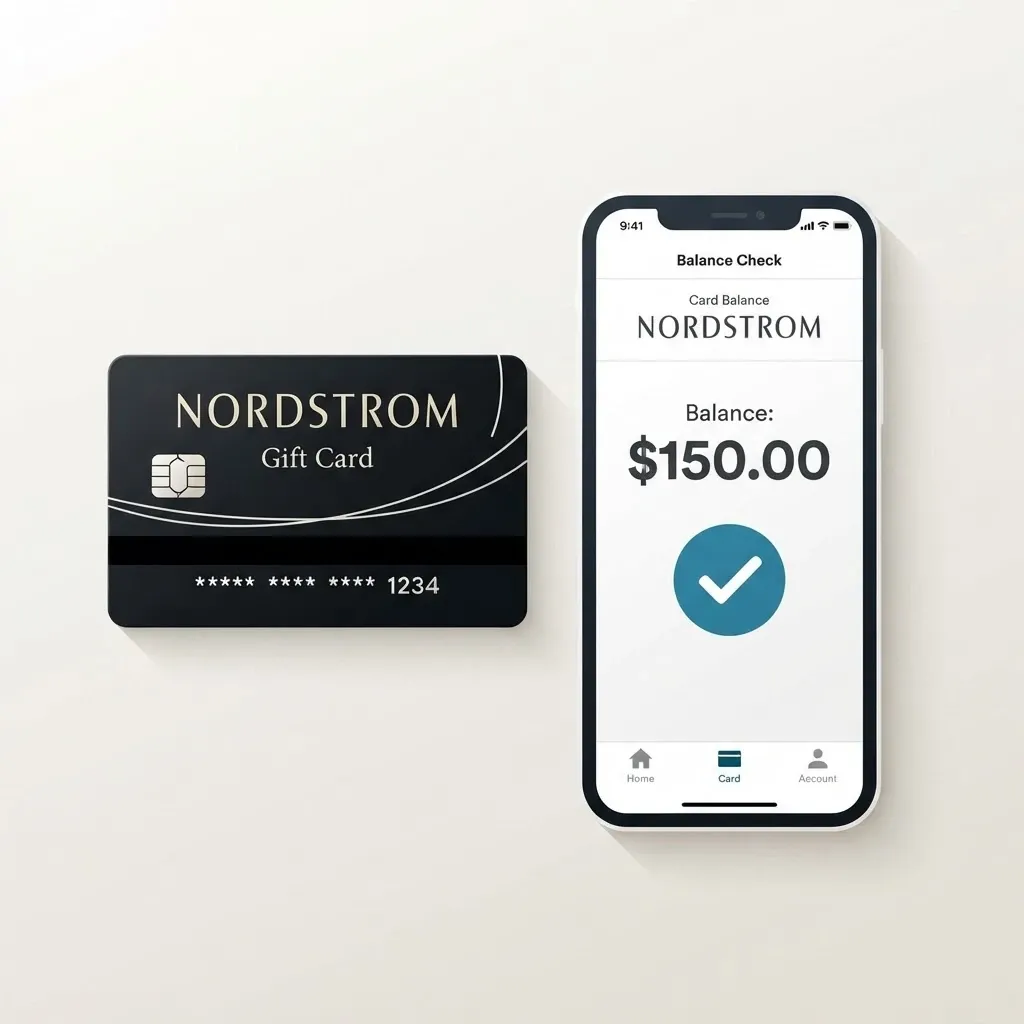
If you have a Nordstrom Gift Card and want to know how much value remains on it, checking the current balance is the right place to start. The amount originally loaded onto the card may not be the same as the amount still available, particularly if the card has already been used. Confirming the balance gives you a clear idea of the card's current value before you decide to spend it, keep it, or sell it.
Knowing your Nordstrom Gift Card balance is also important if you are considering trading the card for cash. The balance represents the value remaining on the card, while its resale value depends on the trading rate available for that particular card. These amounts should not be confused when estimating how much you could receive from a gift card trading platform.
If you are in Nigeria and have a Nordstrom Gift Card that you do not plan to use, GCBUYING can be an option to explore for selling an eligible card. Before starting a trade, confirm the balance, card type, currency, and status. In this guide, you will learn how to check your Nordstrom Gift Card balance, what details to verify before selling, and how GCBUYING can help you turn an eligible gift card into cash.
How to Check Your Nordstrom Gift Card Balance
Checking your Nordstrom Gift Card balance is straightforward when you use Nordstrom's official balance-checking options.
Visit Nordstrom's Balance Checker
The easiest option is to use Nordstrom's official gift card balance page. Nordstrom provides a dedicated Check Gift Card Balance section where you can enter your gift card information. The official page asks for two details, your gift card number and your access number or code. After entering both details, select the balance-check option to see how much value remains on the card.
Locate Your Gift Card Number
If you have a physical Nordstrom Gift Card, look at the card for the gift card number. You may also need the access number or code shown on the card. Enter these details carefully when checking the balance. If you have a digital Nordstrom Gift Card, look through the original email or digital delivery message for the required information. Keep these details private because they can be used to access the card's value.
Check a Physical Gift Card
A physical Nordstrom Gift Card can be checked online using the official Nordstrom balance checker. Keep the card with you while entering the required information so you can verify each number before submitting it. Nordstrom specifically advises customers to treat gift cards like cash and never share the gift card number or PIN. If you plan to sell the card later, keeping the physical card and its details secure is even more important.
Check a Digital Gift Card
If your Nordstrom Gift Card was delivered digitally, find the original email containing the card details. You can use the information provided there to check the balance through Nordstrom's official balance-checking page. Avoid forwarding the email or copying the complete card details into an unfamiliar website. Nordstrom warns customers about fraudulent websites and recommends checking gift card balances through its official website or the official phone number provided by the company.
If you cannot check the balance online, Nordstrom also provides a phone option for gift card balance inquiries.
Check the Balance Before Selling
If you are planning to sell your Nordstrom Gift Card, check the balance before submitting it to a trading platform. Knowing the current balance helps you avoid using the original denomination as an assumption about the card's present value. It also gives you the information needed to review your selling options more accurately. Once you have confirmed the balance, check the card's type, currency, and condition before proceeding with GCBUYING or another legitimate trading platform.
Checking your Nordstrom Gift Card balance should always begin with an official Nordstrom channel. Once you know the actual remaining balance, you can make a more informed decision about using the card or exploring its resale options through GCBUYING.
What to Verify Before Selling Your Nordstrom Gift Card
Before selling your Nordstrom Gift Card, take a few minutes to confirm its details. This helps you avoid submitting incorrect information and gives you a clearer idea of what you are trading. Nordstrom says gift cards should be treated like cash and that the balance can be checked online, in a store, or by phone.
- Confirm the current balance
- Check whether the card has been used
- Verify the card format
- Check the card's currency and region
- Review GCBUYING's current requirements
- Keep your card details secure
Do not share your Nordstrom card number or access code with strangers. Nordstrom specifically advises customers to treat gift cards like cash and never share the card number or PIN. If you decide to sell, provide the required information only through the legitimate trading process you have chosen.
How GCBUYING Helps You Sell Your Nordstrom Gift Card
If you have checked your Nordstrom Gift Card balance and decided that you would rather receive cash than use the card for shopping, GCBUYING provides a platform for trading eligible Nordstrom Gift Cards. GCBUYING currently lists Nordstrom among its supported gift cards and says sellers can exchange eligible physical or digital cards for cash, Naira, or cryptocurrency. Its published process involves selecting Nordstrom, entering the card details and amount, reviewing the exchange rate, and submitting the trade for processing.
Set Up Your GCBUYING Account
Start by creating an account on GCBUYING or logging into your existing account. According to GCBUYING, sellers can register through its website or use its mobile applications before accessing the gift card selling features. Once you are logged in, you can access your dashboard and select the option to sell a gift card. Having an account also gives you a place to monitor your transaction and manage funds after a successful trade.
Select Nordstrom from the Gift Card Options
After choosing Sell Gift Card, select Nordstrom if it is currently available for your particular card. GCBUYING's Nordstrom page specifically provides a trading option for Nordstrom Gift Cards. Before continuing, make sure the card you have matches the selected category.
Enter Your Card Information
GCBUYING's published Nordstrom process asks sellers to enter relevant card details, including the card code and amount. Take your time when entering this information and compare it with your actual card before submitting the trade. If you have a physical card, make sure any required image is clear. If you have a digital card, provide the required e-code information through the appropriate GCBUYING process. Accurate information helps the platform review your submission correctly.
Review the Current Nordstrom Rate
Before confirming your trade, check the rate currently offered for your Nordstrom Gift Card. GCBUYING states that Nordstrom rates can change according to supply and demand and recommends checking its live exchange rate before selling. This means you should not base your expected payout on a rate from an old article, previous transaction, or screenshot. The rate displayed when you are ready to trade is the information you should use for your decision.
Submit Your Card for Verification
Once you have reviewed the information and are comfortable proceeding, submit the trade through GCBUYING. The platform explains that gift card verification is used to confirm validity, eligibility, and other relevant details before a transaction is approved. This verification process can also help identify invalid or previously used cards. As a seller, providing genuine card information and following the instructions carefully can help avoid unnecessary problems during the review.
Choose a Suitable Payment Method
GCBUYING currently lists several payout options, including Naira bank accounts, mobile money, Bitcoin, Litecoin, and USDT addresses. After your transaction has been successfully processed, the platform says the equivalent value is credited to your GCBUYING account, after which you can withdraw your funds. The payment options available to you may depend on the current platform and transaction conditions, so review the available choices before completing your trade.
Selling your Nordstrom Gift Card through GCBUYING starts with knowing exactly what you have. Check the balance first, confirm that your card meets the current requirements, select Nordstrom from the available gift card options, and enter the requested information carefully.
Final Thoughts
Checking your Nordstrom Gift Card balance is the first step toward understanding what your card is actually worth. Nordstrom provides an official online balance checker where you can enter your gift card number and access number or code. The company also advises customers to treat gift cards like cash and keep their card details private.
If you have confirmed your balance and decided that you would rather sell the card, GCBUYING can be an option for trading eligible Nordstrom Gift Cards. Before submitting your card, check the current GCBUYING requirements and rate.
The safest approach is to verify your Nordstrom Gift Card before making any decision. Confirm the remaining balance, card type, region, and status, then review the current trading information before submitting it. Never share your card number or access code with unknown individuals. If you choose GCBUYING, use its official platform and follow the current trading instructions. This gives you a clearer understanding of your card and helps you make a more informed decision about turning an unused Nordstrom Gift Card into cash.